
Device and software support
Troubleshooting for the computers, applications and peripherals your team relies on.
Explore this IT serviceAL Hamadani Mega IT Solutions · Windsor
Computer support, office networks, system setup and data planning. Start with the work your team needs to do and connect the technology around it.
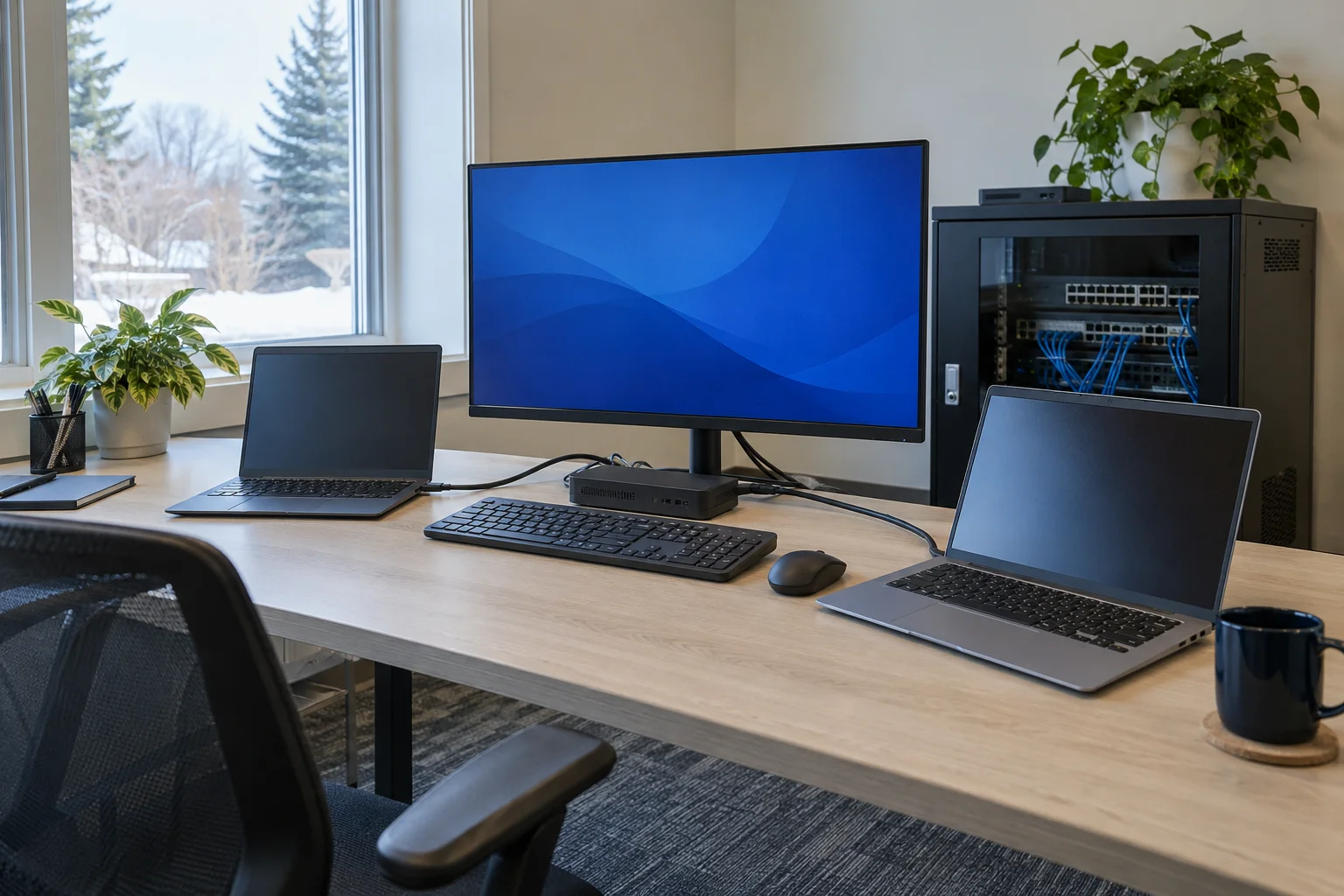
Troubleshooting for the computers, applications and peripherals your team relies on.
Explore this IT serviceConnectivity requirements for workstations, shared resources and the places people work.
Explore this IT serviceA practical scope for new equipment, software changes and moving to a different setup.
Explore this IT serviceReview how important information is stored, accessed and recovered.
Explore this IT service
A new workstation, an office move or a change of software can affect several parts of your setup. Devices need the right applications, users need the appropriate access, and connections need to support the places where people work. Treating these as one requirement helps make the change easier to understand.
For an existing problem, describe what happens and who is affected. For a planned change, describe the desired result and the systems currently in place. Both give the technical discussion a practical focus: the work that needs to continue and the technology required to support it.
About AL HamadaniBusiness technology works as a whole. A laptop depends on its network connection, a shared application depends on access settings, and important files depend on a sensible storage and backup arrangement. A problem at one point can interrupt work well beyond the device where it first appears.
Mega IT brings those connected requirements into focus. The service areas cover everyday support, wired and wireless office networks, device or system setup, and data or access planning. Start with the work your team needs to do and the technology involved, whether the need is an immediate issue or a planned improvement.
Describe the affected work, devices and systems, or the change your business is planning.
Consider the network, software, access and data requirements that relate to the issue.
Discuss the support or setup scope and the practical arrangements for the work involved.
Useful answers before you get in touch.
No. Explain the task, what happens instead and which people or devices are affected. A clear description of the symptom is a useful starting point.
Yes. Include the office location, the number of users and devices, the applications involved and any shared resources. Mention the timing of the move or change.
Yes. Explain where the issue occurs and which types of connection are affected. The relationship between devices, equipment and the office layout can then be discussed.
No. Keep credentials private. Any access required for support should be arranged directly through an agreed process.
Describe a current IT issue or a planned change. You can start with the task your team needs to complete. Find the contact details and enquiry form.